commerce

Step-by-step guide for Sitecore Commerce 9 installation on your machine

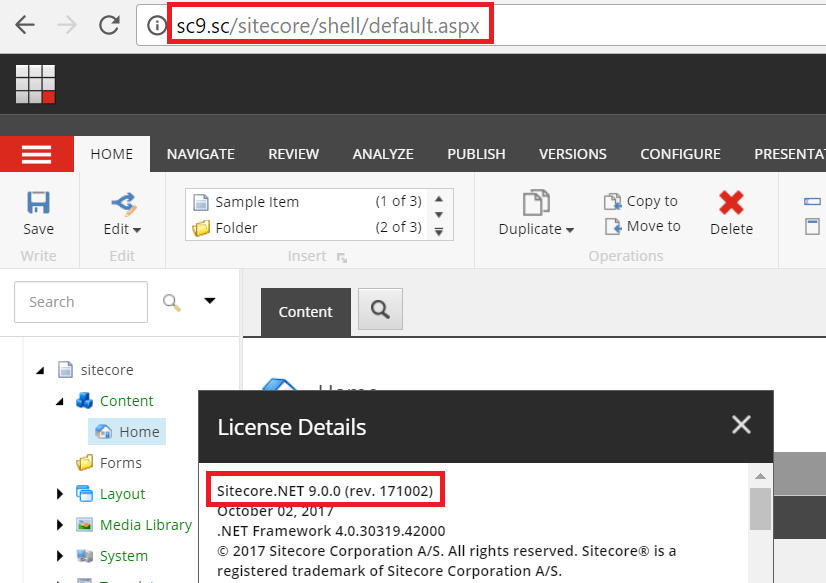
This one is a summary of my own experience for Sitecore Commerce 9 Initial Release (aka Sitecore XC 9.0.0) installation on my machine. I’ve had quite much experience in Sitecore 9 installation so I decided to go only with: Installation Guide – On Premises (Thanks Sitecore team!) However, that’s really another story because there were some issues… Continue reading Step-by-step guide for Sitecore Commerce 9 installation on your machine
installation

Playing around with Sitecore 9.0 Update 1 Installation

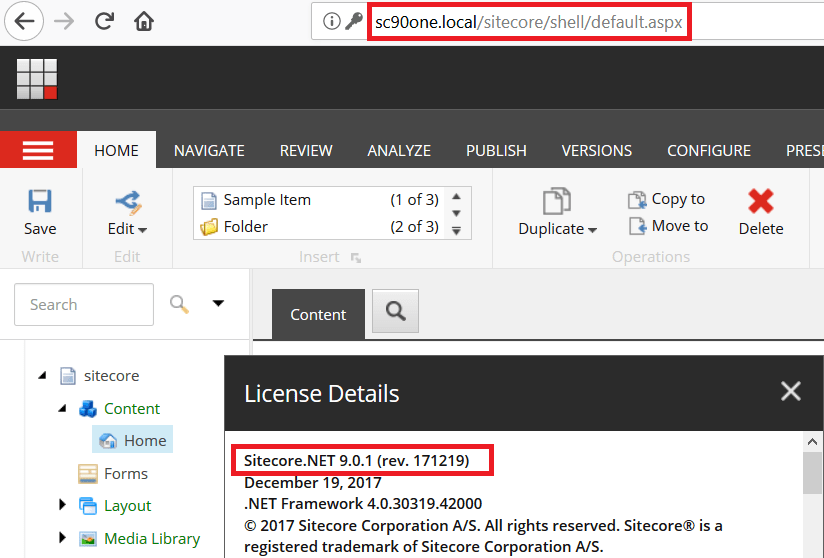
Sitecore Experience Platform 9.0 Update 1 (aka Sitecore XP 9.0.1) has been out recently. It’s a good chance for me to play with the update package and the installation. Upgrading from a fresh Sitecore 9.0.0 is a piece of cake (have a quick look at notes). About the installation, there are some updates: Note: personally, I… Continue reading Playing around with Sitecore 9.0 Update 1 Installation

framework · installation

Playing around with Sitecore 9 and my simple framework version 2.0

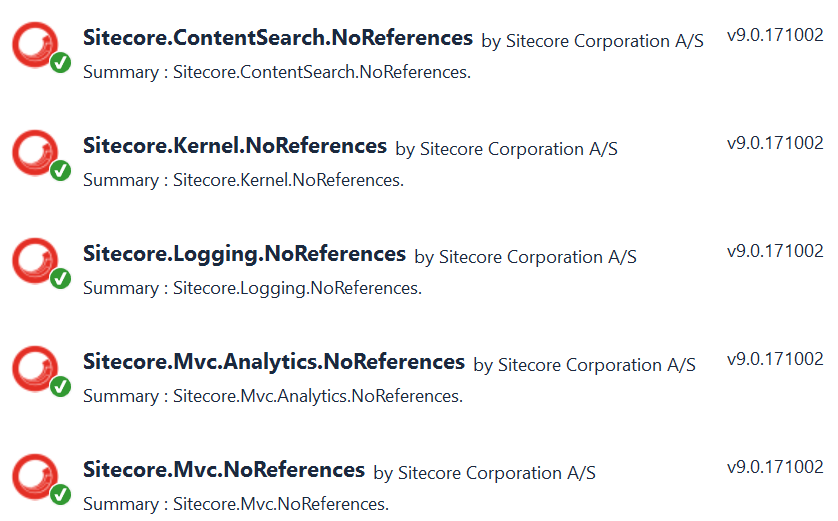
I guess that we’re all excited with Sitecore 9. Finally, I have a chance to play with Sitecore 9 and my simple framework. A new version 2.0 is out for that. It’s mostly based on version 1.7 because I just did: upgrade all Sitecore Nuget packages to version 9.0.171002 upgrade .Net Framework to version 4.7 get some… Continue reading Playing around with Sitecore 9 and my simple framework version 2.0

guide

A step by step guide for Sitecore 9 installation on your machine

You may want to have a look at Sitecore 9.1 installation rather than this one This one is a summary of my own experience for Sitecore Experience Platform 9 Initial Release (aka Sitecore XP 9.0.0) installation on my machine. I read a lot of articles + blog posts and decided to go with these ones… Continue reading A step by step guide for Sitecore 9 installation on your machine

cms · installation · module

How to install a Sitecore package

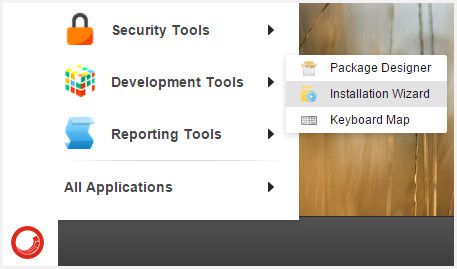
Download the zip file (a Sitecore package) to your hard drive Log into Sitecore and install it Click to open the Launch Pad On the right, click to open the Desktop On the bottom-left of the Desktop, click the Sitecore icon Next, select Development Tools -> Installation Wizard In the installation wizard, click Upload package then click Browse…, navigate to and select the zip file, and… Continue reading How to install a Sitecore package