
Recently, we’ve had a chance to upgrade Sitecore XM 10.4.0 to XM 10.4.1 by following SC 10.4.1 upgrade guide.
After upgrading successfully, we notice that the search result does not work as expected. It’s always empty somehow.

Because we configure highlighting in custom search by following https://doc.sitecore.com/xp/en/developers/latest/platform-administration-and-architecture/configure-highlighting-in-a-custom-search-type.html so we suspect that something wrong with the highlighter and then debug it in order to see that highlights are always NULL.
In the release note of Sitecore 10.4.1: the Sitecore XP 10.4.1 installation now supports and requires Solr 9.8.1, which replaces former version 8.11.2 that has reached end of life.
We can verify the corresponding Solr highlight parameters by playing around with Solr 9.8.1 Control Panel, for instance:
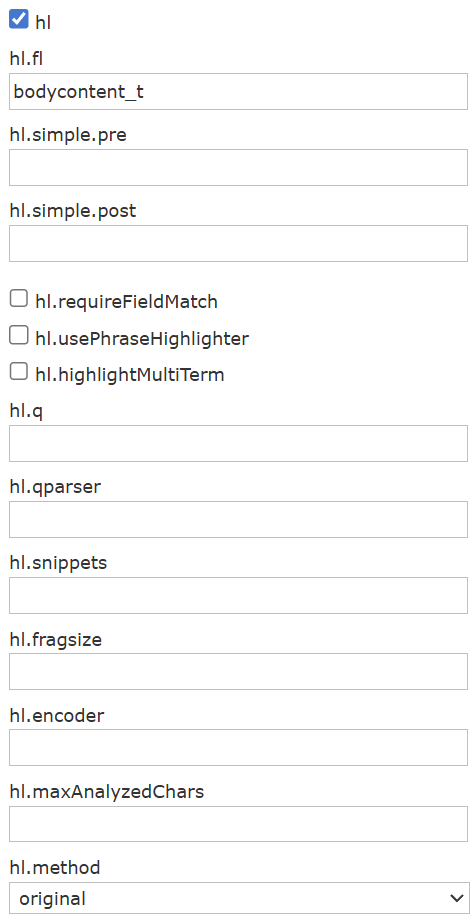
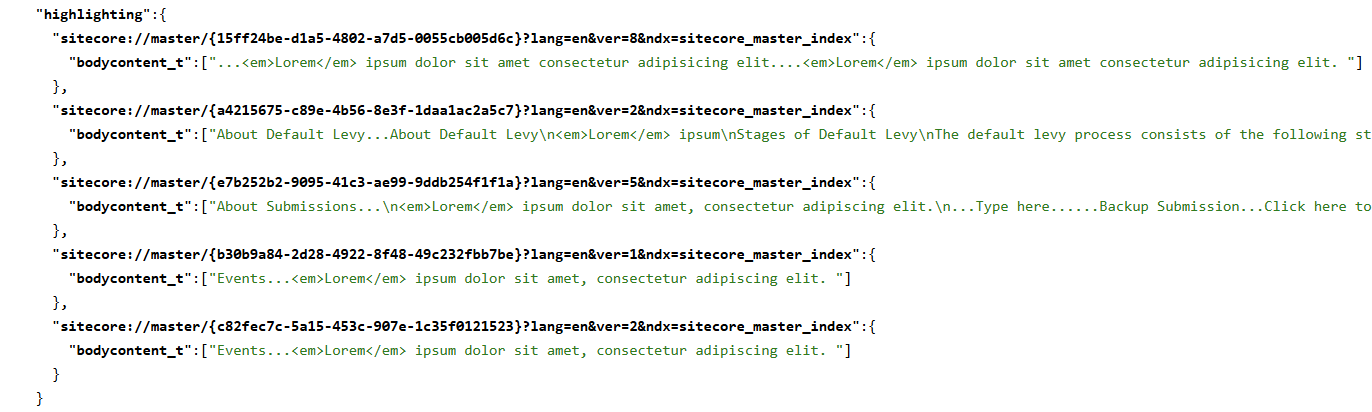
In our case: Sitecore 10.4.1 + Solr 9.8.1 upgrades, highlighting issues occur because the default “unified” highlighter behaves slightly stricter with computed fields and we can keep it work properly by either updating Highlighter method to “original” or setting requireFieldMatch parameter to true
<param desc="parameters" type="Sitecore.ContentSearch.Linq.Solr.Highlighting.SolrHighlightParameters, Sitecore.ContentSearch.Linq.Solr"> <method>original</method> <!-- OR --> <requireFieldMatch>true</requireFieldMatch></param>
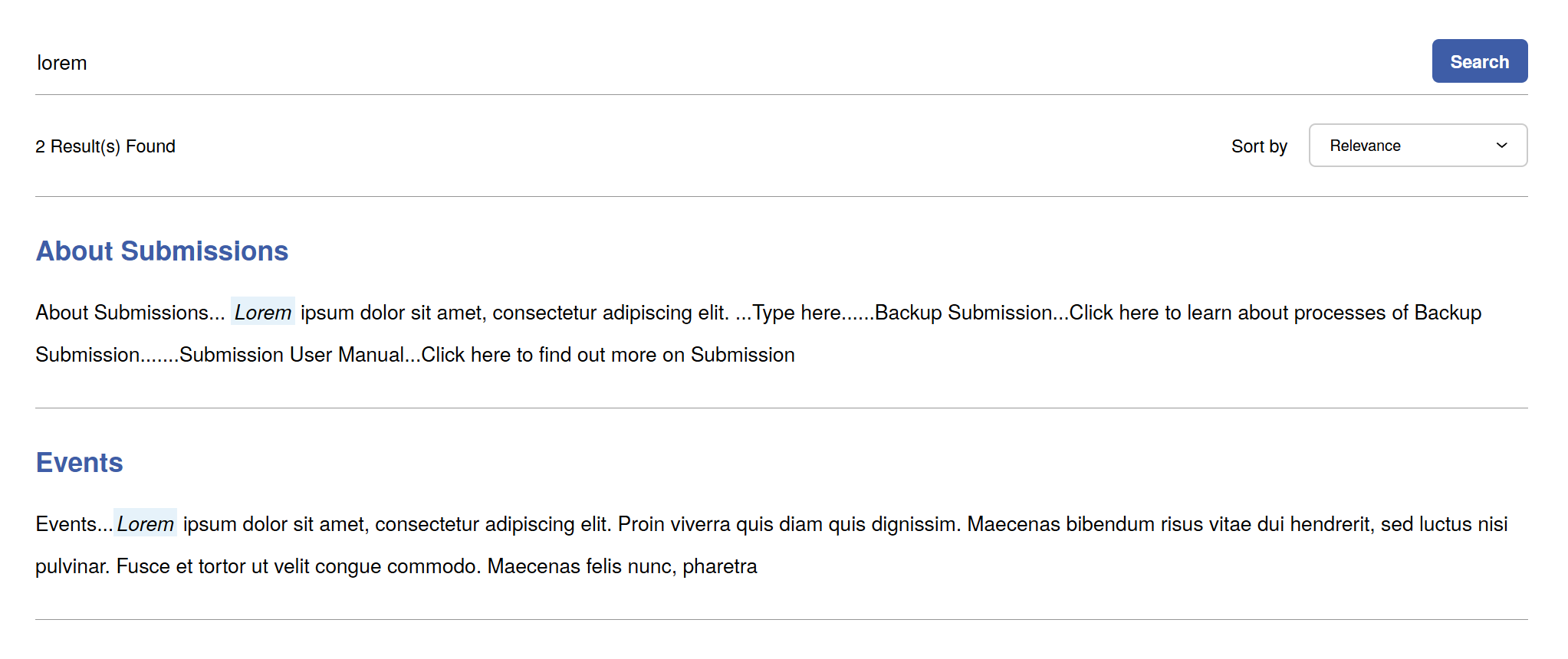
Now, the highlighting search result works properly as before upgrading.
Happy Sitecore custom search!
 Walking on clouds